Post a picture
You can upload photos to your blog(s) by clicking the image icon in the Post Editor's toolbar.
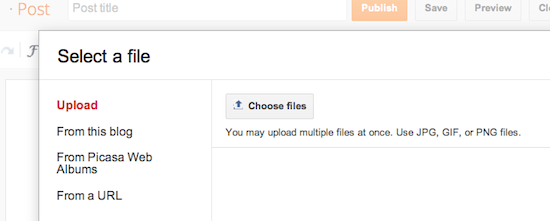
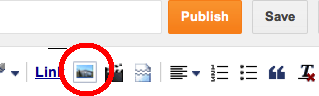 When you click this icon, you'll get a window that allows you to select an image or multiple images from your computer. Click the Choose files button to locate the ones you want. Alternatively, you can add an image you've previously used on your blog, an image from your Picasa Web Albums, or enter the URL of an image that's already online and insert it into your post. You can upload images in JPG, GIF, PNG, TIF or BMP format.
 Once the image is in your Post Editor, you can click on the image to format it in your post.

When you click this icon, you'll get a window that allows you to select an image or multiple images from your computer. Click the Choose files button to locate the ones you want. Alternatively, you can add an image you've previously used on your blog, an image from your Picasa Web Albums, or enter the URL of an image that's already online and insert it into your post. You can upload images in JPG, GIF, PNG, TIF or BMP format. Once the image is in your Post Editor, you can click on the image to format it in your post.
No comments:
Post a Comment